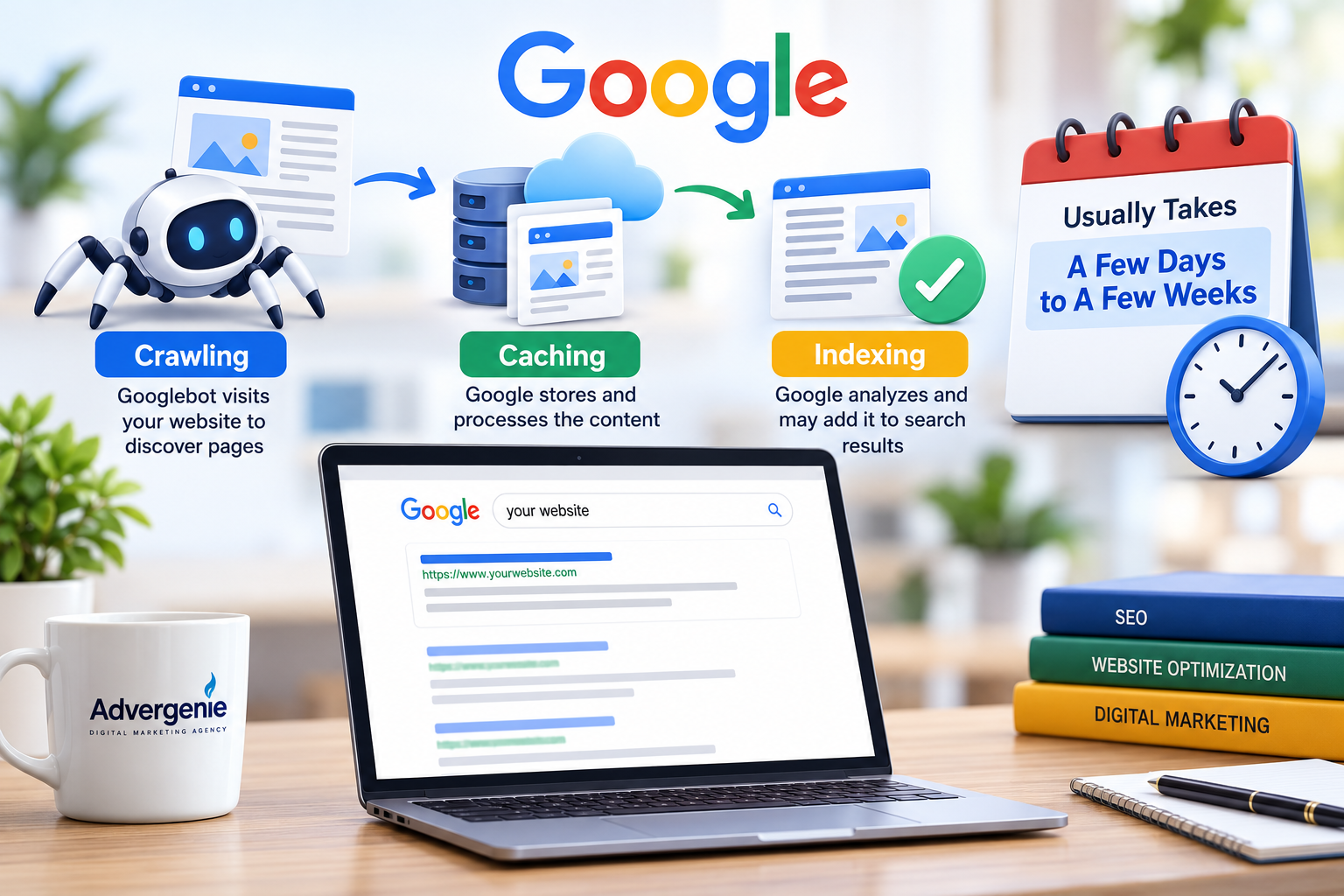
Google usually takes a few days to a few weeks to crawl a website. Indexing can happen quickly or take longer depending on several factors. There is no fixed timeline and not every page gets indexed.
What Is Google Crawling and Indexing?
Before understanding the timeline you should know how Google discovers your website.
Crawling: Google sends automated bots to visit your website and discover its pages.
Caching: Google may temporarily store information about your website while processing its content.
Indexing: Google analyzes your website content and decides whether to include the pages in its search index.
Once a page is indexed it becomes eligible to appear in Google search results.
How Many Days Does Google Take to Index a New Website?
For a new website Google may take several days or weeks to discover and index its pages.
An established website may get new pages indexed faster because Google already knows the domain and visits it regularly.
However submitting a website to Google does not mean it will be indexed immediately.
The indexing process depends on your website structure content quality and technical SEO.
Why Is Google Not Indexing Your Website?
There are several reasons why your website may not appear in Google search results.
1. Your Website Is New
Google may need more time to discover a newly launched domain.
2. Poor Content Quality
Pages with duplicate content or very little useful information may struggle to get indexed.
3. Technical SEO Issues
Incorrect settings such as noindex tags blocked pages or server errors can prevent Google from indexing your website.
4. Missing XML Sitemap
A sitemap helps Google discover important pages on your website.
5. Weak Internal Linking
If your pages are not properly connected Google may have difficulty discovering them.
How to Get Your Website Indexed Faster
You cannot force Google to index your website immediately. However you can improve the chances of faster discovery and indexing.
- Use Google Search Console: Verify your website and request indexing for important pages.
- Submit an XML Sitemap: Help Google discover your website URLs.
- Publish Quality Content: Create original content that answers users’ questions.
- Improve Internal Links: Connect your homepage service pages and blog posts.
- Fix Technical Errors: Check for crawling issues broken pages and incorrect indexing settings.
- Keep Your Website Updated: Publish useful information and maintain your existing pages.
These steps can make it easier for Google to crawl and understand your website.
How to Check If Your Website Is Indexed on Google
One simple way is to search:
site:yourwebsite.com
For example:
site:advergenie.com
If Google displays pages from your website it means those pages are appearing in its search results.
For a more accurate indexing status use Google Search Console and check the URL Inspection and Page Indexing reports.
Does Submitting a Sitemap Guarantee Google Indexing?
No. Submitting an XML sitemap helps Google discover your website but does not guarantee indexing.
Google decides which pages to index based on several factors including accessibility content quality and relevance.
Repeatedly requesting indexing for the same page will not necessarily speed up the process.
Final Thoughts
Google can take a few days to several weeks to crawl a website but indexing has no guaranteed timeframe.
If your website is new give Google some time. Meanwhile focus on technical SEO original content proper internal linking and a clear website structure.
At Advergenie we help businesses improve their online visibility through professional SEO services website optimization and digital marketing strategies.
A well optimized website makes it easier for search engines to discover your content and helps build a stronger foundation for long term organic traffic.